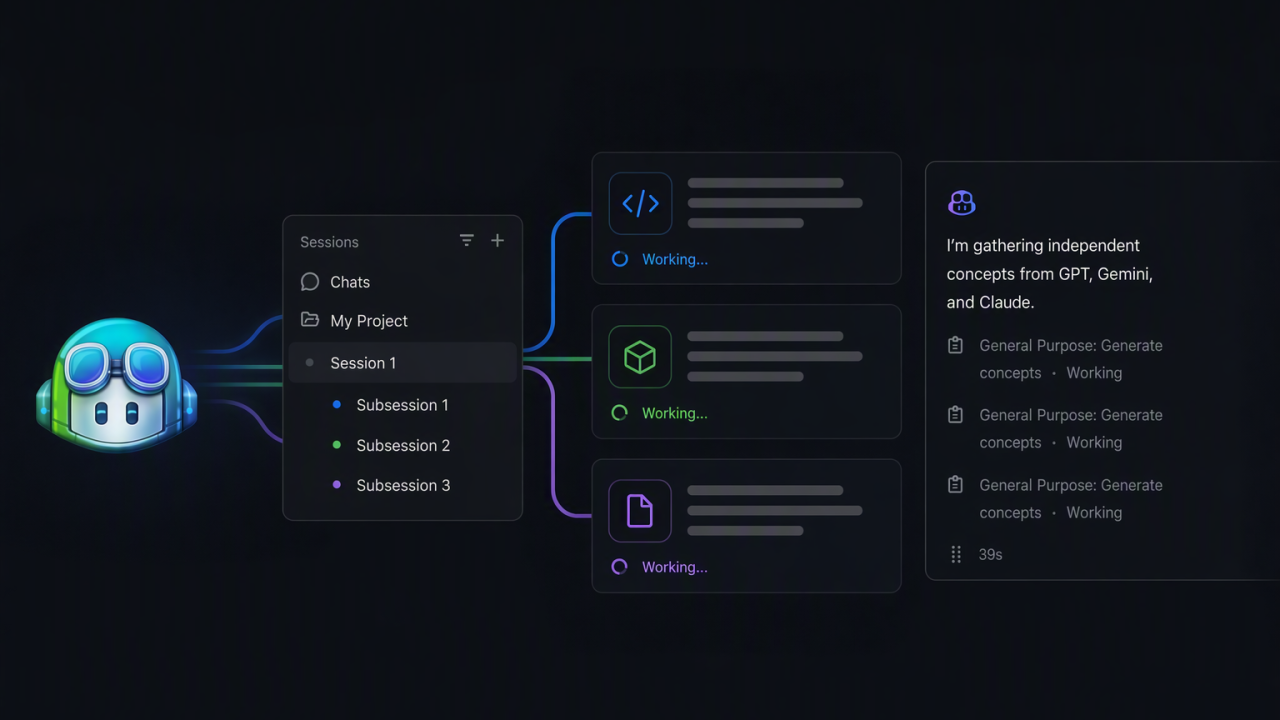
I am often asked how I manage multiple sessions in parallel. Agents encounter blocking situations while they work. They may need to wait for another agent to run, a local build or even a cloud deployment to finish. These roadblocks create opportunities for us to do other work in parallel. The GitHub Copilot app is built to optimise exactly these workflows. The best type of parallel work depends on the task’s complexity and required level of autonomy.
Suppose you work on a project that takes a few minutes to build. While the agent waits to verify the build, why not open the new session and start planning the next GitHub issue? This can improve productivity, but it can also divide your focus.
Side Questions and Side Chats
Parallelisation can also happen within a single session. The GitHub Copilot app supports /ask. This command lets you ask a side question without adding the question or answer to the main session transcript.
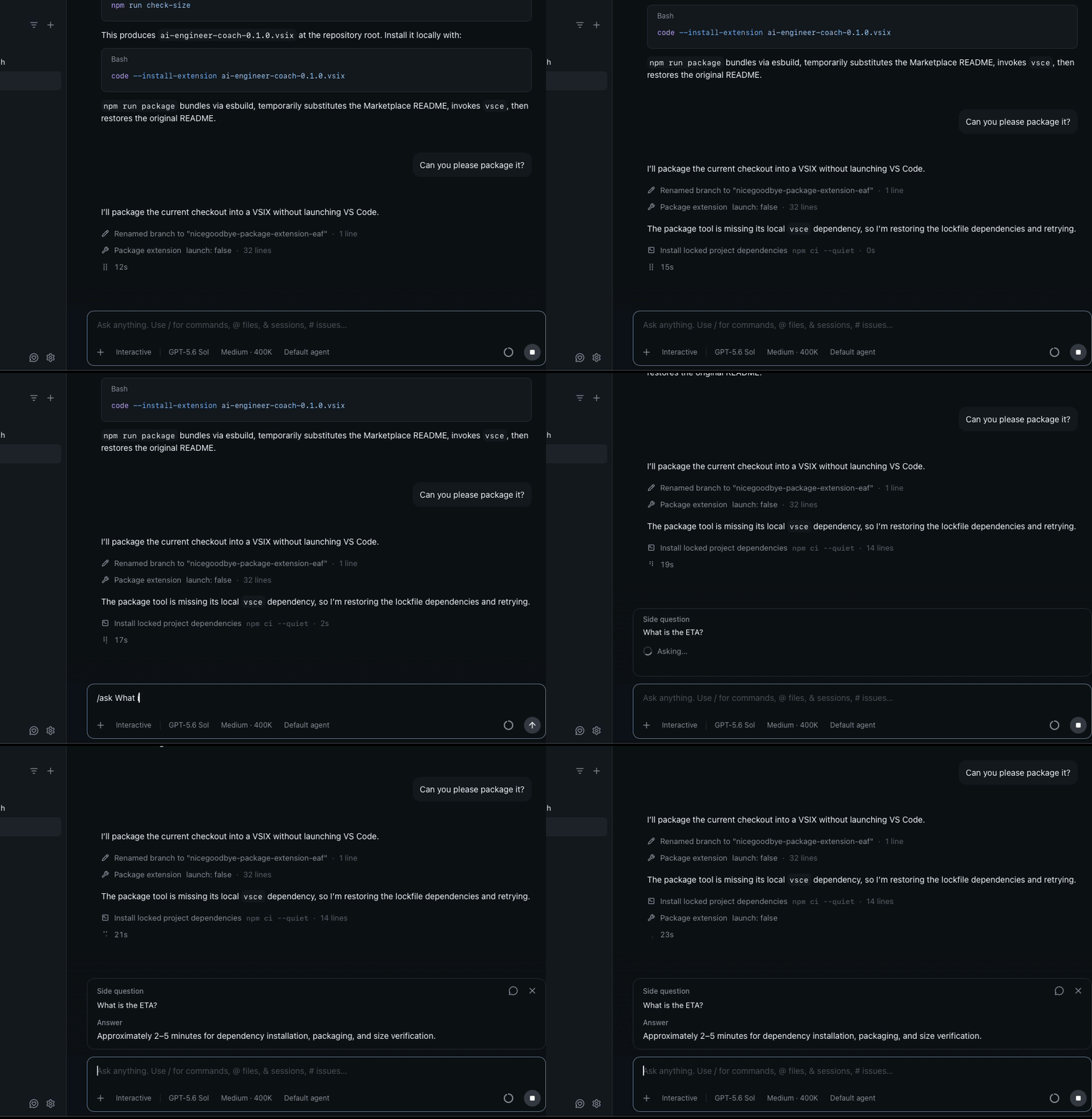
I often use it to check whether the current task is going in the right direction. For example, I might write /ask Does that test really reproduce the issue? while waiting for an end-to-end test to finish. I also use it to ask for an ETA or a quick clarification.
Sometimes, a quick clarification is not enough. You may need something checked or changed in the same checkout. In that case, you can branch out an answered side question into a full Side chat. A Side chat has its own session and conversation history. It can also read the recent main-session conversation on demand. It can run tools and make changes in the same checkout. This is useful when you want related work to have a separate conversation context. However, the filesystem work is not isolated. Concurrent edits and Git operations in either conversation affect the same checkout. You can directly open a side chat using the /side command.
Subagents
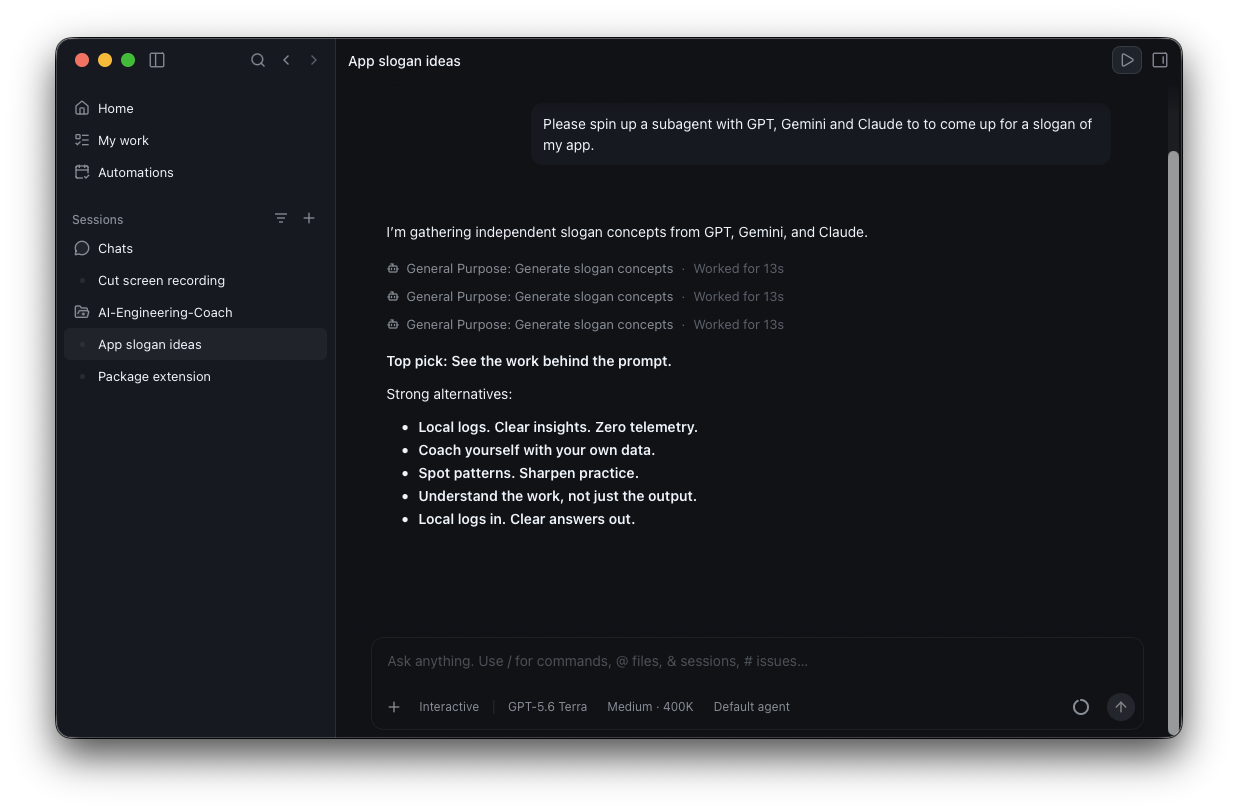
Another way to work in parallel is through subagents. Subagents do not primarily help you manage more work directly. Instead, they help your agent perform more work in parallel.
An agent can run a subagent synchronously and wait for it to finish. It can also run a subagent in the background and continue with other work. A background subagent returns an identifier that the parent agent can use to check its status and progress later. If you want work to happen in parallel, be explicit. For example, say: Run a few background agents to verify X. Subagents work in the same workspace and checkout as the parent session. You must therefore divide the work carefully so that they do not edit the same files or interfere with one another.
Child sessions
Child sessions are similar to subagents, but they have dedicated conversations (that you can also interact with!). By default, a local repository child session also gets its own isolated worktree. Child sessions appear in the sidebar and can target different projects. If a change spans several microservices, use child sessions rather than subagents. You can trigger this workflow with /orchestrate.
Automations
If you repeat the same work every day, consider creating an Automation. For example, you can schedule a prompt to run every morning. Local automations run through the app and require the app process to remain active. Cloud automations run through GitHub-hosted infrastructure, so your laptop can stay closed.
Conclusion
Parallel work is most effective when the mechanism matches the scope. Use /ask for quick checks, /side chats for related work in the same checkout, subagents for delegated tasks, and child sessions for isolated or cross-project work. Use cloud automations for recurring tasks that should run without your computer. More parallelism is not always better. Balance the additional throughput against attention, resource contention, and the risk of conflicting changes.
